What players say
McQueen Cars Coloring Online Game provides a straightforward and enjoyable coloring experience. The black and white outline is clear, and the color menu is easy to use. Children can experiment with different color combinations and create unique versions of Lightning Makvin. The ability to save and share artwork adds replay value. It is a safe, ad-free activity that encourages creativity without frustration. Perfect for short play sessions or longer art projects.
About this game
Game Introduction
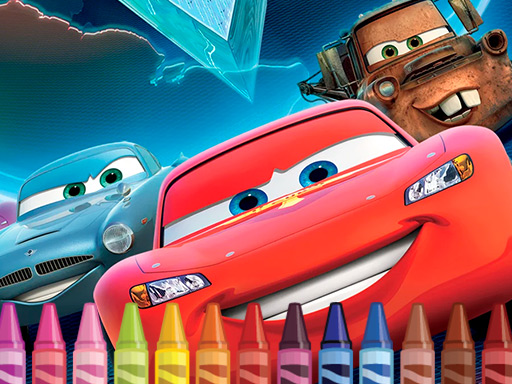
McQueen Cars Coloring Online Game is a digital coloring activity featuring Lightning McQueen, the famous animated race car. Players start with a black-and-white outline of the car and use a color palette to fill in different parts. The goal is to create a colorful, personalized version of the character. This game combines simple arcade-style interaction with puzzle-like creativity, as players choose colors for wheels, body, and details. It offers a relaxing, no-pressure experience suitable for children and fans of cars and art. The game encourages self-expression and does not require reading or complex skills.
How to Play
Players begin by viewing a black-and-white drawing of Lightning McQueen on the screen. A color menu appears on the side, offering a variety of shades. To color, select a color from the menu, then click on any area of the car picture to fill it with that color. Different parts like the body, wheels, windows, and decals can be colored separately. There are no timers or rules, so players can experiment freely. Once the picture is complete, it can be saved or shared with others. The controls are simple and intuitive, making it easy for young children to play independently.
Game Features
The game includes a clear black-and-white outline of Lightning McQueen for coloring. A side menu provides many color choices, allowing for detailed customization. Players can fill each area with a single click, making the process quick and satisfying. The game supports saving and sharing finished artwork, so kids can show off their creations. It is designed to be ad-free during play, creating a focused and safe environment. The simple interface and lack of text make it accessible to all ages and skill levels. These features promote creativity, color recognition, and fine motor skill development.
Tips for Success
Start by choosing a color scheme before you begin, such as matching the character's original look or inventing a new design. Fill larger areas like the body first, then move to smaller details like wheels and decals for better control. Experiment with different shades to see how they look together. If you make a mistake, you can often undo or simply start over since there is no time limit. Save your finished artwork to compare with friends or try new versions later. Most importantly, have fun and let your imagination guide your color choices.